

How to Pack Electronics for International Travel: Battery & Voltage Guide
Two different rule sets decide whether your electronics make the trip: aviation battery rules decide where they ride, and the charger’s input label decides whether it can handle the destination’s power.
Keep lithium-powered devices in the cabin when practical, keep spare batteries and power banks out of checked baggage entirely, protect exposed battery terminals, and read every charger’s “Input” line before plugging it in abroad. A plug adapter changes shape, not voltage.
Where does it ride, and what power can it accept?
Travel packing often treats “electronics” as one category. The FAA, TSA and your device maker do not.
Battery type and watt-hours determine air-travel restrictions. Charger input voltage determines whether the device can safely connect to the destination’s electrical supply.
Four rules to settle before packing.
FAA guidance says portable electronic devices containing lithium batteries should be carried in carry-on baggage when possible.
Power banks, spare lithium batteries and battery phone cases must travel in carry-on baggage.
Common lithium-ion batteries up to 100 Wh fit the normal allowance; larger spares from 101–160 Wh require airline approval and are limited.
FAA examples include original packaging, terminal tape, a battery case or sleeve, or a snug individual pouch.
Sort the electronics before you pack the luggage.
- What you use at every gate and transfer
- Small enough to stay accessible
- Separated from leaking toiletries
- All spare lithium batteries and power banks
- Chargers and adapters so a delayed checked bag does not strand you
- Laptop positioned for easy checkpoint access
- Tripod
- Spare cables
- Non-powered accessories
- Any checked battery device must meet FAA requirements and be protected
Read the charger, not the plug shape.
A plug adapter changes the physical prongs. It does not convert voltage unless the product specifically says it does.
The charger is designed for that voltage range. You still need the correct plug adapter for the outlet shape.
A plug adapter alone is not enough in a country with a different supply voltage. Use an appropriate converter if the device maker permits it, or use a compatible charger.
Look up the exact model’s technical specification before plugging it in. Do not use the hotel outlet as the test.
Apple lists a 100–240V AC line-voltage range for the cited MacBook Pro model, which is why the charger can be used across common global mains voltages with the right plug connection.
The avoidable mistakes happen at the airport and the hotel outlet.
Power banks are spare batteries. Move them to carry-on baggage.
If the bag is sent to the hold, pull out every spare battery and power bank first.
Cover the terminals or isolate each battery in a case or snug pouch.
Check the charger’s input range against the destination before connecting it.
TSA may require a device to power on during screening. Charge before leaving.
Separate toiletries from electronics so one popped cap does not soak the charging kit. For additional protection during tropical travel and temperature changes, see how to protect electronics from humidity and condensation.
Seven things before the zipper closes.
International electronics checklist
Protect the gear after the flight too.
Keep the phone, passport and payment accessible through every transfer.
The SKÖ Waterproof Crossbody is compact storage for small travel essentials. It is not sized for a laptop, camera kit or large charging setup. For smaller essentials rather than laptops or bulk charging equipment, compare compact waterproof bags for phones, wallets and keys.
See the Waterproof Crossbody →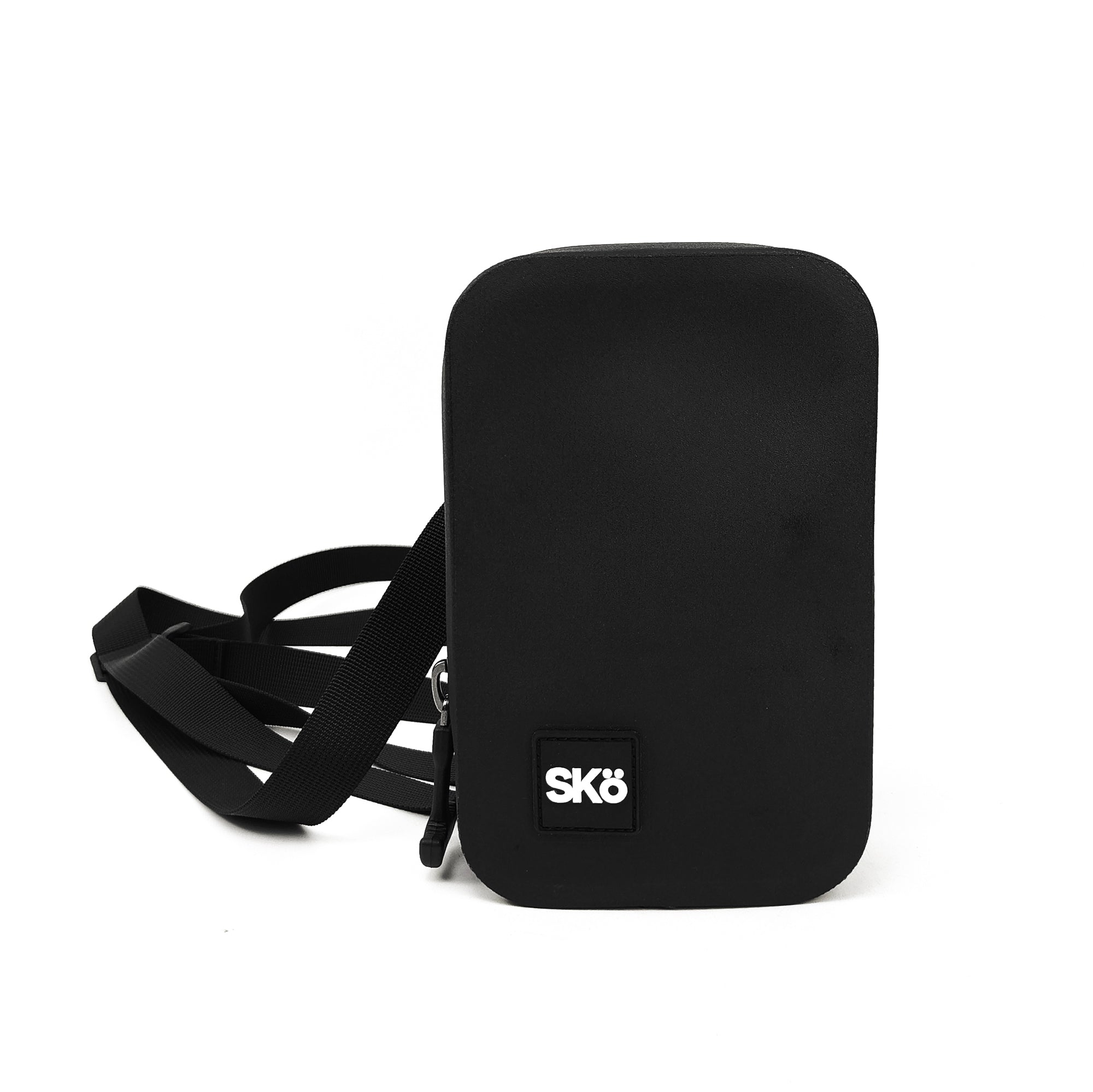
Explore more SKÖ guides
Keep electronics organized on international trips with useful packing, bag and wet-weather protection guides.
 Adventure Travel Essentials: What to Pack & Protect
 How to Keep Your Phone & Wallet Dry While Traveling
 Best Hands-Free Travel Bags (2027): Crossbody vs Sling vs Belt Bag
 Best Small Waterproof Bags for Phone, Wallet & Keys (2027)