


Why Does My Waterproof Phone Case Fog Up on the Inside?
Why Does My Waterproof Phone Case Fog Up on the Inside?
Last updated: September 25, 2026

That haze behind the screen looks like a leak. Most of the time it isn't one.
If your waterproof phone case looks foggy or cloudy on the inside right after you seal it, that's almost always condensation, not a leak — humid air trapped inside the case when you closed it is turning back into visible water droplets because the case is now colder than the air was when you sealed it in.
It's the same reason a cold glass of water sweats on a warm day. Air can only hold so much water vapor before it has to let some of it go, and the temperature at which that happens is called the dew point. Seal a case closed in a warm, humid bathroom or a hot car, then carry it into a cooler lake, ocean, or air-conditioned room, and the air trapped inside cools past its dew point. The moisture it was holding has nowhere to go but the inside walls and screen of your case.
The fix isn't a better case in most situations — it's where and how you seal the one you have. Close it in cooler, drier air, give it a minute to match the temperature of the water you're heading into, and drop in a small moisture-absorbing packet if you're prone to this. That combination stops the fog before it starts, instead of leaving you to wipe it out mid-swim.
Why does my waterproof phone case fog up on the inside?
It's condensation, not a leak. Warm, humid air gets sealed inside the case, and when the case cools down — going into a lake, pool, or AC'd car — that trapped air drops below its dew point and the water vapor turns into visible droplets on the inside surfaces. Seal the case in cool, dry air and let it acclimate to the water temperature first, and it usually stops happening.
How to Stop It Before It Starts
Once you know it's a humidity problem, the fix is mostly about timing and where you close the case, not the case itself.
A car that's been sitting in the sun, a humid bathroom after a shower, or direct beach-day heat are the worst places to close up a case. The more humid and warm the air is when you seal it, the more moisture gets trapped to condense later.
Give the sealed case a minute or two in shade or AC to settle closer to room temperature before you jump into cooler water. A smaller temperature gap between the trapped air and the water means less condensation when it does cool down.
A single silica gel packet — the kind that comes in shoeboxes and vitamin bottles — absorbs the residual moisture in the trapped air before it has a chance to condense. Some waterproof camera housings sell a dedicated anti-fog insert for the same reason.
Debris caught in the seal doesn't just risk a real leak — it can also let in a thin stream of humid outside air over time, which adds to the condensation even in a case that isn't technically failing. Wipe the gasket clean before every seal.
Every time you crack the case open to see if it's fogging, you let in another dose of humid air and reset the problem. Seal it once, correctly, and leave it closed until you're done.
If you're going through this ritual every time before a swim, kayak trip, or beach day, it's worth asking how much of the hassle is really the case's fault versus just needing a more forgiving seal. This breakdown of waterproof crossbody options looks at how different closures hold up to repeated opening and resealing, which matters more than most people expect once you're doing it several times a day on a trip.
A common version of this: someone seals a case in a warm hotel bathroom after a shower, then walks straight to a cooler resort pool. Within a minute the inside looks foggy enough that they assume the case failed and pull the phone out mid-poolside, only to find it completely dry underneath. The case didn't fail — the air trapped inside it just hit its dew point faster than usual because of how humid that bathroom was.
Does fog inside my waterproof case mean my phone got wet?
Not by itself. Condensation forms on the inside surfaces of the case, not on your phone directly, unless the case has also actually failed. If your phone still responds normally to touch and the screen looks clear once you wipe the inside of the case dry, the phone itself was never exposed to water.
Will putting my case in rice fix the fog?
No — rice is a myth for this. It's a poor desiccant compared to actual silica gel, and if the fogging keeps returning after you've dried the case out, that points to a seal problem rice can't fix anyway. Use an actual silica gel packet, and check the gasket for debris or wear if it keeps happening.
Sources
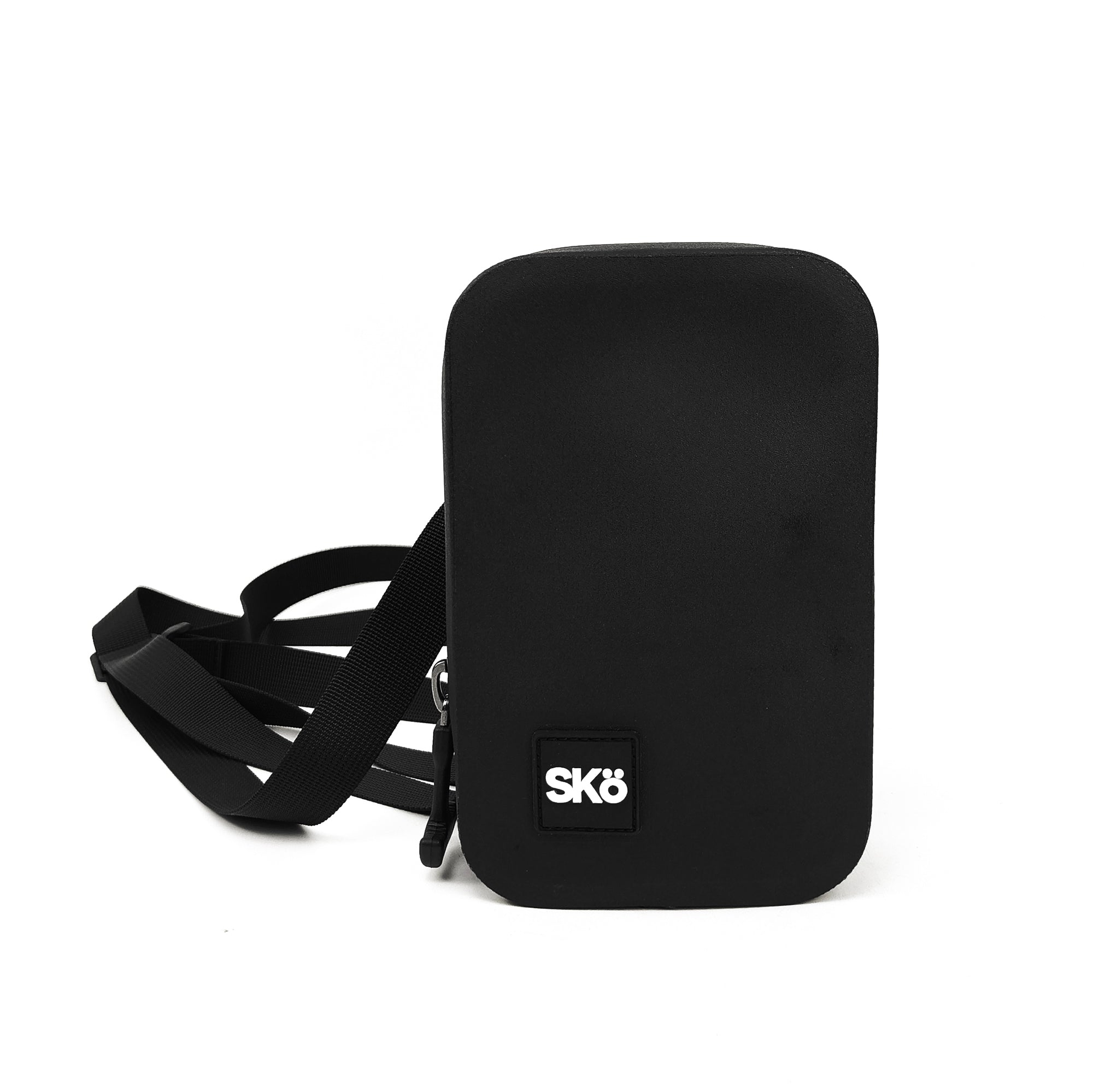
If babying a case before every swim isn't worth it, SKö's waterproof crossbody is built to stay sealed once it's closed — no reseal ritual, no fogging routine, just submersible protection for your phone, wallet, and keys.
$80 · Limited Lifetime Warranty