

How to Protect Electronics From Humidity While Traveling
The most dangerous moment is often the walk from air conditioning into warm humid air. The device is cold enough for water from the air to condense on and inside it.
Seal the device before the temperature change, let it warm while sealed, then open it after it reaches the surrounding temperature. Store electronics away from steamy bathrooms, wet gear and hot cars, and stay inside the manufacturer’s temperature and non-condensing humidity limits.
A dry phone can become wet without rain touching it.
Humidity becomes a device problem when warm wet air meets a surface cold enough to reach the dew point.
That is why a camera carried from a heavily air-conditioned hotel into tropical heat can fog even when the sky is clear.
The National Weather Service defines dew point as the temperature air must be cooled to in order to become saturated.
A phone, camera or laptop that has been sitting in cool air conditioning can be colder than the outdoor dew point. Humid air touching the device cools, reaches saturation and leaves condensation behind.
Sony’s camera guidance warns that moisture can condense inside a device when it moves from a cold place to a warm place. That is why wiping the lens does not necessarily solve the whole problem.
Watch the temperature change, not just the weather icon.
The classic case: chilled device, warm humid air.
The same physics in reverse weather. Sony specifically lists cold-to-warm transitions as condensation conditions.
Warm air can be extremely moist even after the rain stops.
Apple warns against steam rooms and extremely humid conditions for iPhone.
Control the air that reaches the cold device.
Seal it before leaving the cool room.
Put the phone or camera in a sealed plastic bag or closed protective case while it is still in the air-conditioned environment.
Why: warm humid air reaches the outside of the bag rather than the cold device.
Let the sealed device warm toward outdoor temperature.
Sony’s cited guidance uses about an hour as an example for its camcorders. Your exact device may differ.
Clue: if the outside of the bag is still collecting condensation, the device may still be cooler than the environment.
Open only after the transition settles.
Opening early lets the most humid outdoor air touch the still-cold electronics.
Store gear in the driest stable place you have.
A closet or drawer away from the bathroom is better than a steamy shelf. REI notes that silica gel can help absorb lingering moisture in a camera bag.
If condensation forms anyway, stop and let it clear.
Sony advises leaving affected equipment off while the condensation evaporates rather than powering through the moisture.
“Humidity allowed” usually means non-condensing humidity.
Apple technical specifications for the cited iPhone model allow a broad relative-humidity range only when the humidity is noncondensing. Water forming on the device is a different condition.
Apple also warns about extreme temperatures and leaving devices in hot cars. Drying with external heat can create a second problem. For the separate problem of trapped heat inside an enclosure, see why phones overheat in waterproof cases.
Switch from humidity prevention to the device maker’s liquid-exposure guidance.
Apple says to leave a wet iPhone in a dry area with airflow and not to use external heat, compressed air, foreign objects in the connector or rice. Wait before charging. Other manufacturers publish their own recovery instructions, so use the guidance for the exact device.
Humidity travel questions.
Does a normal phone case stop humidity?
No. A normal case is not airtight, so humid air reaches the phone. A sealed case changes the air exchange but can still trap humid air inside and fog.
Why is my dry bag damp inside even though it did not leak?
Humid air or wet gear can be sealed inside and later condense when the bag cools. A dry interior does not stay dry if moisture was packed with it.
Should I keep electronics in the bathroom while I shower?
Avoid that when possible. Steam creates exactly the high-humidity environment manufacturers warn about.
The other half of hot, wet travel.
Sealed storage blocks outside water. It does not remove humidity already trapped inside.
The SKÖ Waterproof Crossbody protects small essentials around water. For humid climate transitions, let cold electronics acclimate before opening any sealed bag or case. If you need a small sealed storage option for those essentials around water, compare waterproof bags for phone, wallet and keys; always pack electronics dry and allow temperature acclimation.
See the Waterproof Crossbody →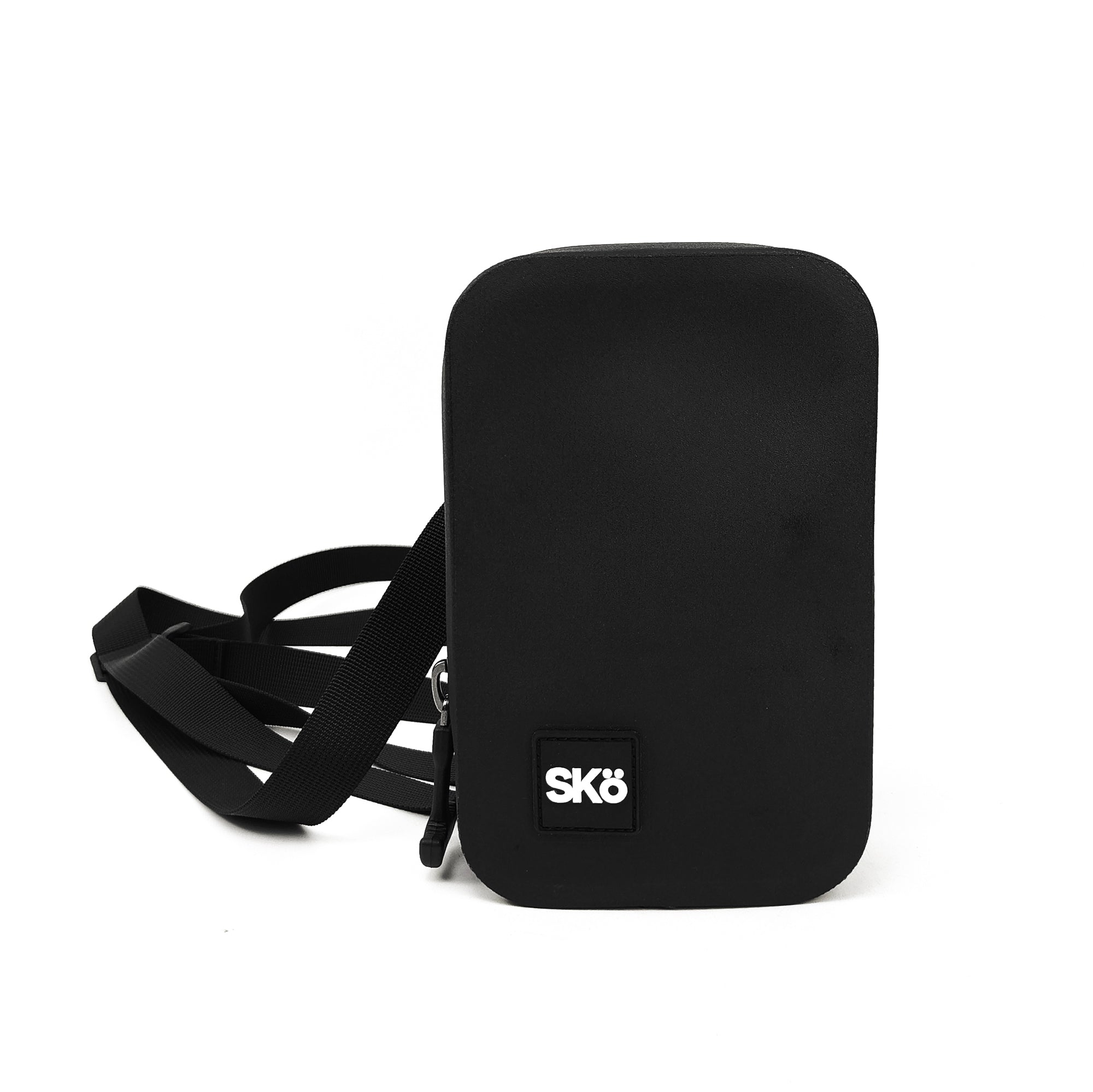
Explore more SKÖ guides
More useful guides for keeping your gear protected and your essentials ready.
 Why Does My Waterproof Phone Case Fog Up Inside?
 How to Keep Your Phone & Wallet Dry While Traveling
 Understanding IPX Waterproof Ratings
 How Waterproof Bags Actually Keep Water Out