

Why Does My Phone Overheat in a Waterproof Case?
Sun, navigation, camera use and charging all create heat. A sealed case or pouch can make cooling harder, so the fastest fix is usually to reduce the heat load and let the phone cool somewhere shaded and dry.
Move the phone out of direct sun, stop demanding apps such as navigation or extended camera use, disconnect charging, and let the phone cool in a shaded, dry place. If a temperature warning appears, follow the phone maker's instructions before using it again.
The case is only one part of the heat problem.
A waterproof case often gets blamed because the phone feels hottest while it is sealed inside one. But most overheating situations are a stack of several heat sources happening at the same time.
Direct sunlight warms the phone from the outside. GPS, camera use, video, gaming, mobile data and a bright display create heat from inside the phone. Charging adds another source. Then the case or pouch adds a layer around the device and reduces how freely heat can leave into the surrounding air.
In shade with the screen off, that extra layer may not matter much. On a beach, boat or paddleboard with the phone in full sun, navigation running and a battery pack connected, it can become the final piece that pushes the device into thermal protection. For humid destinations as well as hot ones, see how to protect electronics from humidity while traveling.
Four heat inputs usually pile up at once.
The easiest way to cool a phone is to remove as many of these inputs as possible instead of focusing on the case alone.
Direct sun
Apple, Samsung and Google all warn against prolonged direct sunlight or excessive heat. A phone lying face-up on a beach towel or boat deck can absorb a lot of radiant heat.
GPS, camera + apps
Navigation, high-resolution video, games and other processor-heavy tasks can make a phone run noticeably warmer even before the weather is considered.
Charging
Charging creates additional heat. Apple notes that certain cases can contribute to excess heat while charging, and Samsung advises disconnecting the charger when a device gets too warm.
Sealed enclosure
A waterproof case or pouch adds another layer around the phone. That can reduce airflow and slow the phone's ability to shed heat compared with sitting exposed in moving air.
Overheating is a heat-balance problem.
The phone stays comfortable when it can get rid of heat about as fast as heat is entering or being generated. When heat comes in faster than it can leave, temperature rises until the phone starts protecting itself.
Heat coming in
- Sunlight
- Processor + graphics
- Camera + video
- GPS + cellular radios
- Charging
Heat trying to leave
- Through the phone body
- Into surrounding air
- Through whatever case or pouch surrounds it
- With less help if the enclosure is sealed or poorly ventilated
Remove heat sources in the right order.
Get it out of direct sunlight.
Shade is the fastest environmental change. Move the phone under an umbrella, inside a bag, beneath a seat or into another cool, dry location.
Disconnect the charger.
If it is connected to a battery pack or charger, unplug it. Apple, Samsung and Google all describe charging as a condition that can add heat or should be stopped when the phone is too hot.
Stop the heavy workload.
Pause navigation, video recording, games, hotspot use or other demanding tasks while the device cools.
Open the enclosure only somewhere dry.
Once you are away from spray and the water's edge, taking the phone out of the case or pouch can give it more access to surrounding air. Do not trade a heat problem for a water problem.
Let the phone decide when it is ready.
If the device has reduced charging or performance, or shows a temperature warning, wait until it returns to a normal operating state before resuming heavy use.
If an iPhone displays its temperature warning, Apple says to turn it off, move it to a cooler environment away from direct sunlight and let it cool. Google similarly says to disconnect a hot Pixel from power, move it somewhere cooler and avoid using it until it has cooled.
Apple, Samsung and Google agree on the big causes.
The wording differs, but the practical pattern is consistent: avoid direct sun and excessive heat, reduce demanding tasks, and stop charging when the phone is too hot.
Apple says iPhone and iPad are designed for ambient temperatures from 32°F to 95°F. It specifically lists prolonged direct sunlight, GPS/navigation, camera use and hot cars as conditions to avoid. Apple also says certain case styles can generate excess heat during charging.
Samsung lists direct sunlight, GPS tracking, heavy app use and charging conditions among common causes of excess heat. When a Galaxy device feels too warm, Samsung recommends disconnecting the charger and closing running apps until it cools.
Google says prolonged navigation, camera use, video, charging and direct sunlight can raise Pixel temperature. It also advises avoiding enclosed or poorly ventilated areas and moving an overheated phone to a cooler place.
A warm phone is not automatically a damaged phone.
Modern phones regularly feel warm during charging, setup, software updates, video recording or other demanding use. Apple and Google both describe some warmth during intensive tasks as normal.
Usually normal
- Phone feels warm during camera, navigation or charging
- Device returns to normal after the task stops
- No temperature warning is shown
- Performance is otherwise normal
Thermal protection is kicking in
- Charging slows, pauses or stops
- Screen dims significantly
- Camera flash or camera functions become unavailable
- Performance or connectivity is reduced
- A temperature warning appears
- The phone shuts down to protect itself
What is heating the phone on your day?
| Scenario | Heat load | Best change |
|---|---|---|
| Phone lying in direct sun | High | Move it into shade immediately. Do not leave it face-up on a towel, dashboard or deck. |
| GPS running inside waterproof pouch | High | Use navigation in shorter bursts, lower brightness and keep the pouch shaded. |
| Filming video on the water | Moderate to high | Record shorter clips and give the phone recovery time between sessions. |
| Charging from a battery pack in the same pouch | High | Stop charging while the phone is hot. Resume only once it is cool and in a more favorable environment. |
| Phone sealed but screen off in shade | Lower | Usually the easiest condition for a waterproof case to handle. Keep it shaded and avoid unnecessary background load. |
Set the phone up to run cooler before it goes into the case.
Heat-smart setup checklist
Sometimes it contributes. It is rarely the whole story.
Any case or pouch creates another layer between the phone and the surrounding air. Waterproof designs are also intentionally closed against water, so they are not built around maximum airflow. That barrier can affect audio, too; learn why sound becomes muffled in a waterproof case.
That does not mean a waterproof case is defective because the phone feels warmer inside it. The key question is what else is happening at the same time. If the phone is in full sun, running GPS, recording video or charging, the case can become one additional constraint in a much larger thermal load.
Cool the phone only when you are somewhere dry enough to safely open the case. A sealed phone that is warm is usually easier to manage than a cool phone that was accidentally exposed to water. If moisture appears inside the cover after a temperature change, see our waterproof phone-case fogging guide.
Phone overheating questions.
Why does my phone get hotter in a waterproof case?
The phone may already be generating heat from the screen, camera, GPS, cellular radios or charging. A sealed case adds another layer around it and can reduce airflow, so heat may leave more slowly.
Should I remove the waterproof case when the phone is hot?
If you are safely away from water and the phone is overheating, removing the case can help expose it to surrounding air. Around water, move to a dry location first. Samsung specifically advises removing a case when it contributes to charging heat.
Can I charge my phone inside a waterproof pouch?
Physically, some setups allow it, but charging adds heat. If the phone is already warm or the environment is hot, charging inside a sealed pouch is a poor combination. Stop charging if the phone gets too hot.
What temperature is too hot for an iPhone?
Apple says iPhone is designed for use in ambient temperatures from 32°F to 95°F. High-temperature conditions can trigger thermal protections, and Apple warns that exposure above 95°F can permanently reduce battery capacity over time.
Why does my screen dim when the phone gets hot?
Thermal management can reduce display brightness and other functions to lower heat generation. Apple and Google both describe automatic feature or performance reductions when device temperature rises.
Keep it sealed for transport, then take it out when you need the screen.
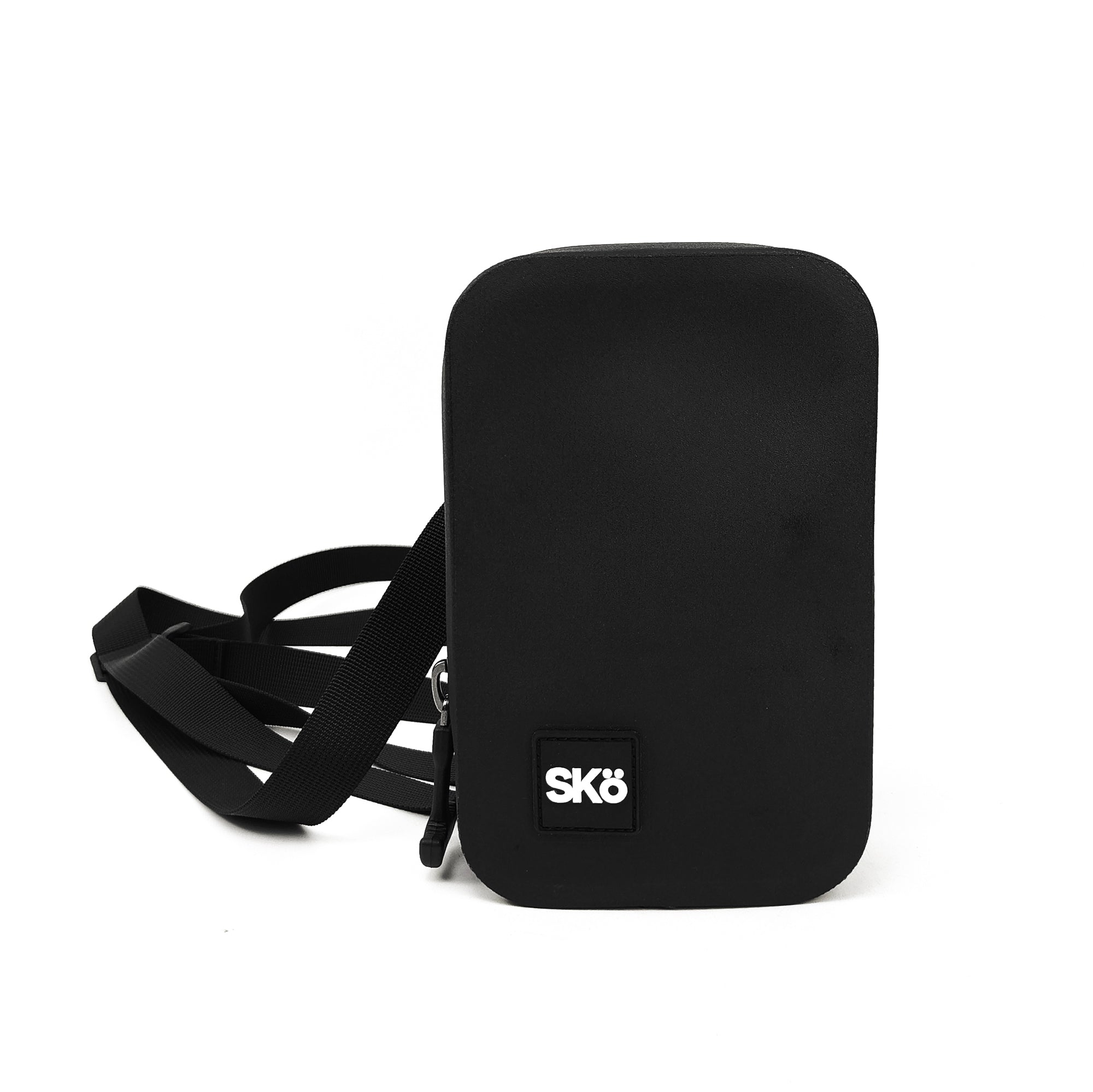
The SKÖ Waterproof Crossbody is designed to keep a phone, wallet and keys protected around water without requiring you to operate the phone through a clear pouch all day. Compare small waterproof bags for valuables if you would rather store the phone than operate it through a sealed case.
It is still a bag, not a cooling device. Keep it out of prolonged direct sun, and if the phone gets hot, open the bag only in a dry location and let the phone cool.
Explore more SKÖ guides
See related guides on fogging, touchscreen issues and ways to protect your phone around water.
 Why Does My Waterproof Phone Case Fog Up Inside?
 Why Won't My Touchscreen Work Through a Waterproof Phone Case?
 Why Does My Phone Sound Muffled in a Waterproof Case?
 How to Keep Your Phone Dry While Kayaking