

Phone Got Wet Surfing in a "Waterproof" Case? What to Do
Once seawater gets past the case seal, the next hour matters more than the marketing claim on the case.
Get the phone out of the case, follow your phone maker’s guidance for rinsing away salt, wipe it dry, leave it in moving air and do not charge it until it is dry. Skip rice, external heat and the urge to keep testing the phone while water may still be in the port.
Stop trapping saltwater against the phone.
A case that let water in can keep that water sitting against the device. Recovery starts with getting the phone into open air and following the instructions for your exact phone.
Apple, Samsung and Google do not give identical instructions, but they share the same general direction: remove water, avoid heat, allow time to dry and delay charging.
Do the boring things first.
Get the phone out of the case.
Open the case on a towel, away from wind and sand.
Why: drying guidance assumes the phone itself is exposed to air rather than sealed against trapped water.
Follow your maker’s power-off guidance.
Google tells Pixel owners to lift the phone out of water and turn it off. Samsung gives more specific power-off instructions for devices that are not water-resistant. Apple focuses primarily on drying and avoiding charging.
Remove salt the way your maker describes.
Samsung tells owners of water-resistant Galaxy phones to rinse with clean water to remove salt and residue. Apple says to rinse the affected area with tap water if a liquid other than water splashes on an iPhone.
Wipe it, then clear excess water from the port.
Apple recommends a soft lint-free cloth and gently tapping the phone with the connector facing down. Google and Samsung also recommend a soft cloth.
Let it dry in moving air.
Apple recommends a dry area with airflow. Google says a flat surface at room temperature. Samsung also points to a cool, ventilated place rather than heat.
Wait before charging.
Apple says to allow at least five hours before charging after exposure and notes that a liquid-detection alert can take much longer to clear. Samsung says not to connect a charger until the device is fully dry.
The overlap matters more than the tiny differences.
| Question | Apple | Samsung | |
|---|---|---|---|
| Rinse? | Tap water if a liquid other than water got on the iPhone | Clean water for water-resistant Galaxy models exposed to salt/residue | Check current device-specific guidance |
| Dry? | Lint-free cloth, connector down, airflow | Soft clean cloth; dry completely | Soft cloth; flat surface at room temperature |
| Heat? | No external heat or compressed air | No hair dryer or heat source | Room temperature |
| Rice? | Explicitly says not to use rice | Not the recommended method in the cited guidance | Not the recommended method in the cited guidance |
| Charge? | Wait; Apple gives timing guidance | Not until fully dry | Follow current device guidance |
Fast is not the same as safe.
Apple specifically warns against rice because particles can damage the connector. Open air is the better direction.
Apple and Samsung both tell users to avoid external heat.
Apple says not to insert foreign objects into the connector or use compressed air.
Charging is the step the manufacturers consistently tell you to delay until the device is dry.
Surfing adds moving water, pressure, sand and repeated impact to the closure problem.
Apple tells owners of rated iPhones to avoid pressurized or high-velocity water and specifically names surfing among those exposures. Apple and Google also note that water resistance is not permanent and can decrease with normal wear.
GoPro’s housing guidance makes the closure lesson concrete: even a hair or grain of sand can compromise a seal. That same basic principle applies to any case gasket or waterproof closure.
Inspect the thing that failed.
Keep the next session simpler.
The simplest way to keep the phone dry is not taking it into the lineup.
The SKÖ Waterproof Crossbody is intended for small essentials such as a phone, wallet and keys on the beach or during wet travel. It is not designed to be worn while surfing.
See the Waterproof Crossbody →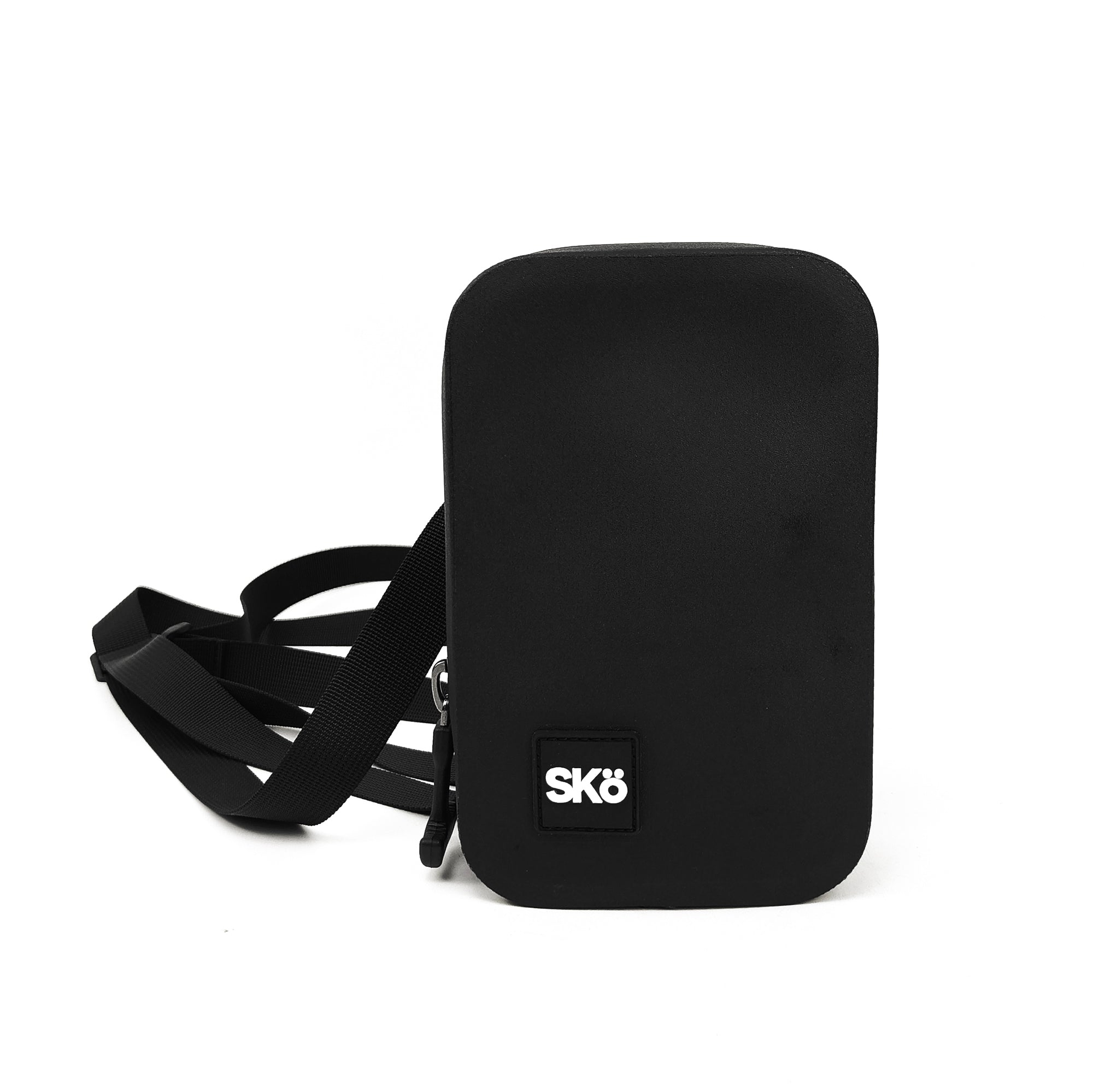
Explore more SKÖ guides
Explore water protection strategies and practical ways to keep small valuables safer by the ocean.
 Where to Put Your Keys, Phone & Wallet When Surfing
 How to Protect Your Phone at the Beach
 How to Keep Your Valuables Safe at the Beach
 Why Does My Waterproof Phone Case Fog Up Inside?