

Cómo proteger tu teléfono en la playa
Última actualización: 24 de agosto de 2026

El daño que termina con la vida de un teléfono rara vez sucede de golpe: es la arena en el puerto, un chapuzón de más y una tarde bajo el sol directo, todo acumulado.
Las tres cosas que realmente dañan los teléfonos en la playa son la arena que se introduce en los puertos y altavoces, la exposición al agua salada que corroe los componentes internos y la acumulación de calor por el sol directo que degrada la batería. Nada de esto se nota de inmediato, que es precisamente por lo que la gente lo subestima: un teléfono que "parece estar bien" después de un día de playa ya puede tener corrosión comenzando o una batería que ha estado estresada silenciosamente.
La arena es abrasiva y lo suficientemente pequeña como para introducirse en los puertos de carga, las rejillas de los altavoces y las juntas de la cámara, donde raya las superficies y bloquea las conexiones con el tiempo. El agua salada es peor que el agua dulce porque la sal en sí es corrosiva; incluso un teléfono con clasificación de resistencia al agua puede sufrir corrosión de puerto a largo plazo si le salpica agua salada y no se enjuaga. El calor es el más silencioso: los teléfonos están diseñados para funcionar aproximadamente entre 0°C y 35°C (32°F y 95°F), y una exposición prolongada por encima de eso, que ocurre rápidamente sobre una toalla bajo el sol directo, puede acortar permanentemente la vida útil de la batería incluso si el teléfono nunca muestra una advertencia de sobrecalentamiento.
La solución no es complicada: mantén el teléfono alejado de la arena, fuera del sol directo cuando no lo estés usando y, si toca agua salada, enjuágalo con agua dulce tan pronto como puedas en lugar de esperar hasta llegar a casa.
¿Cómo proteges tu teléfono en la playa?
Manténlo alejado de la arena directa y del sol directo prolongado, usa una funda o bolsa genuinamente impermeable en lugar de asumir que con la resistencia al agua basta, y enjuágalo con agua dulce inmediatamente si se salpica con agua salada; no esperes hasta llegar a casa. La arena causa daños en los puertos, el agua salada causa corrosión y el calor por encima de los 35°C aproximadamente degrada la batería, y los tres son evitables con un manejo básico.
Por qué "resistente al agua" no es lo mismo que "listo para la playa"
La mayoría de los teléfonos vienen con una clasificación IP que cubre salpicaduras y breves inmersiones accidentales en agua dulce bajo condiciones controladas, no toda una tarde de arena, sudor, protector solar y agua salada. El sistema de clasificación en sí, IPX8, no tiene una profundidad o duración universal; está condicionado a lo que el fabricante realmente probó y reveló, lo cual es fácil de pasar por alto si solo te guías por la etiqueta de "impermeable" en una hoja de especificaciones. Considera la clasificación integrada de tu teléfono como un margen de seguridad para accidentes, no como una luz verde para nadar con él o dejarlo expuesto a los elementos todo el día.
Qué le hace realmente el calor a un teléfono
Un teléfono dejado al sol directo de la playa, especialmente boca arriba sobre una toalla oscura, se calienta más rápido que el aire a su alrededor. Una vez que la temperatura interna supera el rango de funcionamiento seguro del teléfono, la mayoría de los dispositivos mostrarán una advertencia, reducirán el brillo de la pantalla y pausarán la carga para protegerse, pero el estrés térmico repetido acorta la vida útil de la batería incluso cuando el teléfono nunca se apaga por completo. La solución es simple y fácil de olvidar en el momento: mantenlo en una bolsa, debajo de una toalla o a la sombra siempre que no lo estés usando activamente.
Un salvavidas que trabaja una jornada completa bajo el sol directo generalmente guarda su teléfono en la sombra o en una bolsa en lugar de llevarlo enganchado en algún lugar expuesto, precisamente porque un teléfono que permanece bajo el sol durante horas se calienta más rápido de lo que la mayoría de la gente espera, mucho más allá de lo que se siente obviamente caliente al tacto. La misma lógica se aplica a una toalla de playa: boca abajo dentro de una bolsa es mejor que boca arriba bajo el sol en todo momento, incluso para un teléfono que supuestamente tolera el calor.
¿Es suficiente una bolsa tipo Ziploc para proteger un teléfono en la playa?
Para una protección breve contra salpicaduras, sí; es un respaldo barato razonable, y el plástico es lo suficientemente delgado como para que las pantallas táctiles funcionen a través de él. Sin embargo, no es duradero para un día completo: el sello se desgasta con el uso repetido y no ofrece protección contra la arena, el sol o las caídas. Considérala una opción de emergencia, no una solución real.
¿Realmente ayuda poner un teléfono mojado en arroz?
No de forma significativa. El arroz no extrae la humedad de los componentes internos de un teléfono mejor que simplemente dejarlo en un lugar seco y ventilado, y puede dejar polvo o granos atascados en los puertos. Si un teléfono se moja, apágalo, seca el exterior y deja que se seque completamente al aire antes de cargarlo; eso hace más que cualquier tazón de arroz.
Fuentes
Para nadar específicamente con tu teléfono, en lugar de solo sentarte en la arena, una bolsa impermeable cruzada que se lleve cerca del cuerpo es la versión más sencilla de resolver todo este problema de una vez.
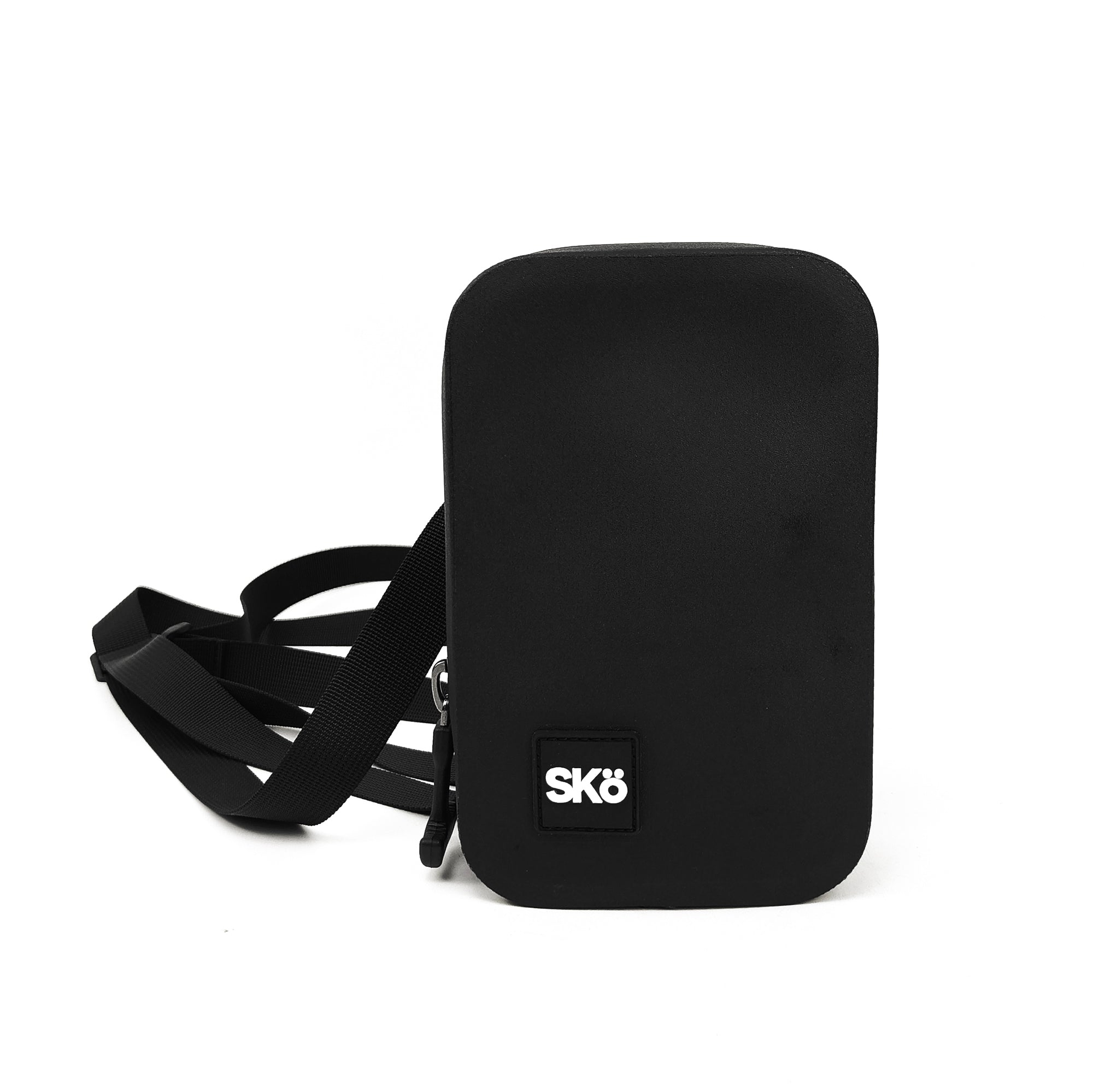
$80 · Garantía limitada de por vida